
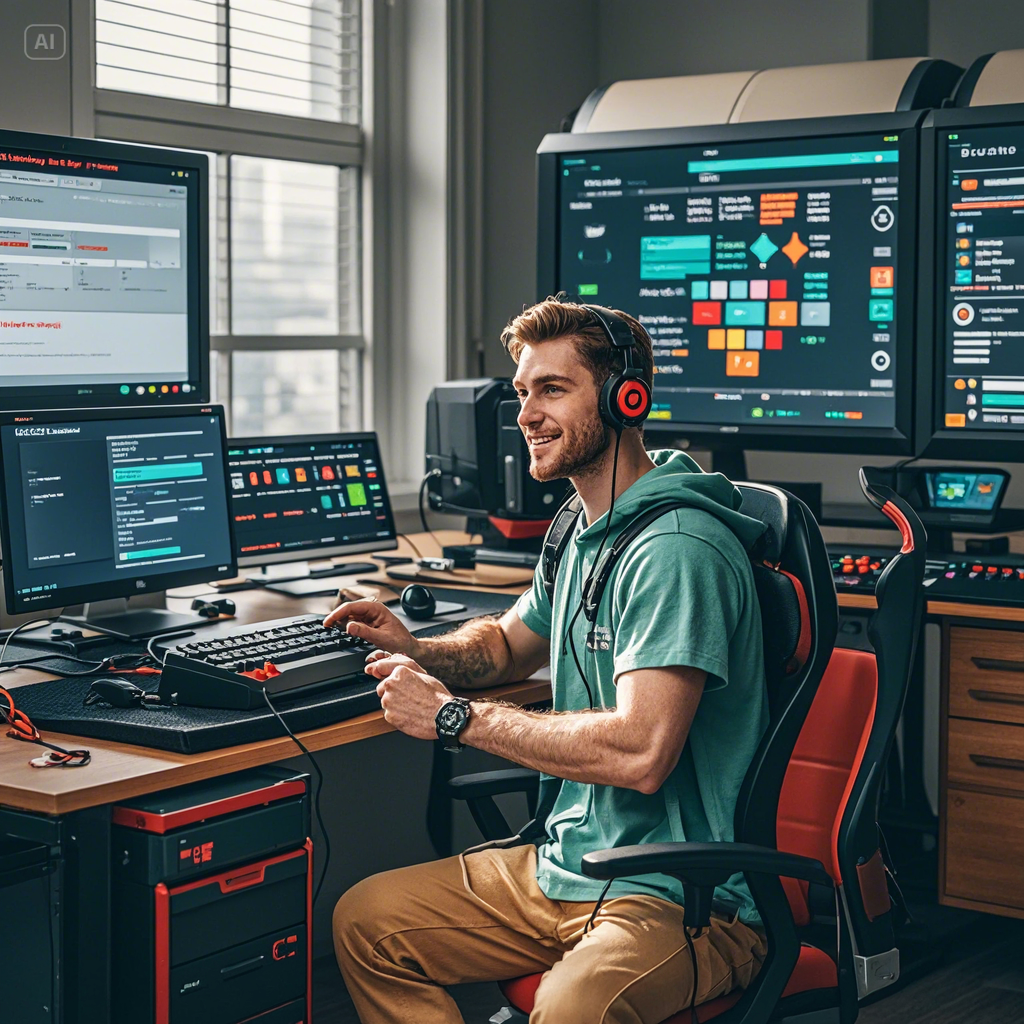
Tools of the Trade: Software and Equipment for Game Testers
Tools of the Trade: Software and Equipment for Game Testers You're eager to get involved after hearing about gamers using their passion to make extra money by testing games and receiving gift cards. However, you may be wondering, "What tools do I really need to get started?" before you get right into remote game testing. The good news is that you don't need a room full of high-tech equipment or a spaceship full of toys. Making waves in the game testing industry just requires a few key pieces of technology and software, particularly for mobile gaming.
Let's examine the essential resources used by novice game testers in 2025. Many of these resources are readily available on Amazon or as free downloads. Are you prepared to improve your setup for game testing? Come on!Why Appropriate Tools Are Important for Game Testing Consider game testing to be similar to playing detective in a virtual environment. It is your responsibility to identify bugs, offer suggestions, and assist creators in refining their games prior to release. You need dependable software that detects flaws and equipment that runs well so you may play for hours on end without any issues if you want to accomplish that.
Having the proper configuration means less annoyance and more effective reporting, especially for remote mobile game testers. Additionally, developers will view you as more professional if you have a better setup, which will increase your chances of getting consistent employment and winning those coveted gift cards.Beginner's Essential Software: Your Starter Kit Getting started with mobile game testing requires familiarizing yourself with user-friendly tools. Fortunately, there are plenty of low-cost or free solutions that are simple to use and ideal for remote testing.
-
Apps for tracking bugs The core of game testing is swiftly and clearly reporting bugs. Both developers and testers prefer apps like JIRA or Trello. Trello's basic drag-and-drop boards simplify tracking problems for novices. Understanding these fundamentals will help you succeed, even if many game testing businesses also provide their own proprietary platforms.2. Software for Screen Recording Visually capturing bugs is essential. Built-in screen recorders on iOS and Android frequently work well for mobile testers, but apps like TechSmith Capture (iOS) and AZ Screen Recorder (Android) offer additional functionality like annotations.
-
Tools for Taking Notes A decent note-taking tool lets you quickly record observations since often the smallest details matter. You can take notes while you're on the move with apps like Evernote or Google Keep that sync between devices.4. Platforms for Communication Apps for communication, such as Slack or Discord, keep you in touch and informed because remote game testing entails working with developers all over the world.
Equipment That Elevates You: Bluetooth Headsets and More While software is crucial, your physical equipment has a significant impact on your comfort and performance, particularly during long testing sessions.The Reasons Bluetooth Headsets Are Revolutionary Comfort and clarity are crucial when playing mobile games. In addition to providing wireless mobility and clear sound, Bluetooth headsets frequently have noise-canceling capabilities that allow you to concentrate on your game without interruptions.
Best Choices for Novice Testers:
Anker Soundcore Life Q20: reasonably priced, excellent noise cancellation, and long battery life.
The JBL Tune 510BT is a lightweight, powerful sound system that is affordable.
Both are well-liked on Amazon and ideal for consumers seeking comfort and quality without going over budget.Extra Equipment to Think About: A portable phone stand improves posture and frees up your hands during extended testing sessions.
Power Banks: Don't let a dead battery ruin an exam in the middle of it.
Stable internet is necessary for remote testing; if at all possible, get a backup plan.Highlighted Trend: 2025 Remote Game Testing It has never been simpler for novices to participate in the rapidly growing field of remote game testing. The need for remote testers has increased as a result of faster internet, cloud-based technologies, and more mobile-friendly games.
Testers who can give prompt feedback from their own devices without having to come to a studio are highly valued by developers. Thus, you can test from the comfort of your couch, a nearby café, or any other location where you feel most comfortable playing games.
Additionally, this tendency makes soft promotion of starter gear and software extremely relevant—making a small upfront investment in high-quality products makes you stand out and creates a reliable source of income.How to Begin: What to Do Next Get the necessary software here: Start with free apps like Google Keep, Trello, and the built-in screen recorder on your phone.
Invest in Comfort: To take advantage of hands-free convenience and crystal-clear music, get a dependable Bluetooth headset.
Join Reliable Testing Platforms: Register on user-friendly platforms such as PlaytestCloud or BetaFamily, where you may test mobile apps and receive gift cards.
Maintain Organization: Keep track of issues and developer chats by using note-taking and communication software.
Continue Learning: To stay informed about new technologies and trends, follow blogs and gaming forums.Soft Product Suggestion: The Ideal Starter Kit Are you prepared to improve your setup for game testing? Beginner mobile testers adore these Amazon selections:
Features of the Product Anker Soundcore Life Q20, Amazon Link Wireless, noise-cancelling, long battery life Check out the JBL Tune 510BT Bluetooth Headphones on Amazon. Lightweight, affordable, and powerful sound View on Amazon PopGrip Phone Stand by PopSockets Available on Amazon, it keeps your phone stationary so you can play without using your hands.
(Note: Use your real affiliate links; these are examples.)Conclusion: The Beginning of Your Game Testing Adventure Mobile gamers may earn gift cards while doing what they love by participating in game testing. In addition to making your job easier, the correct tools and software improve your testing skills and raise your chances of landing higher-paying jobs.
Build your toolkit, start small, and embrace the 2025 trend of remote testing. With the correct equipment, such as easy-to-use software and comfortable Bluetooth headphones, you can easily transform gaming into a lucrative business.
Are you prepared to upgrade your setup? Examine these software tools and equipment selections to get off to a good start and begin earning those gift cards right now!